




1
/
7
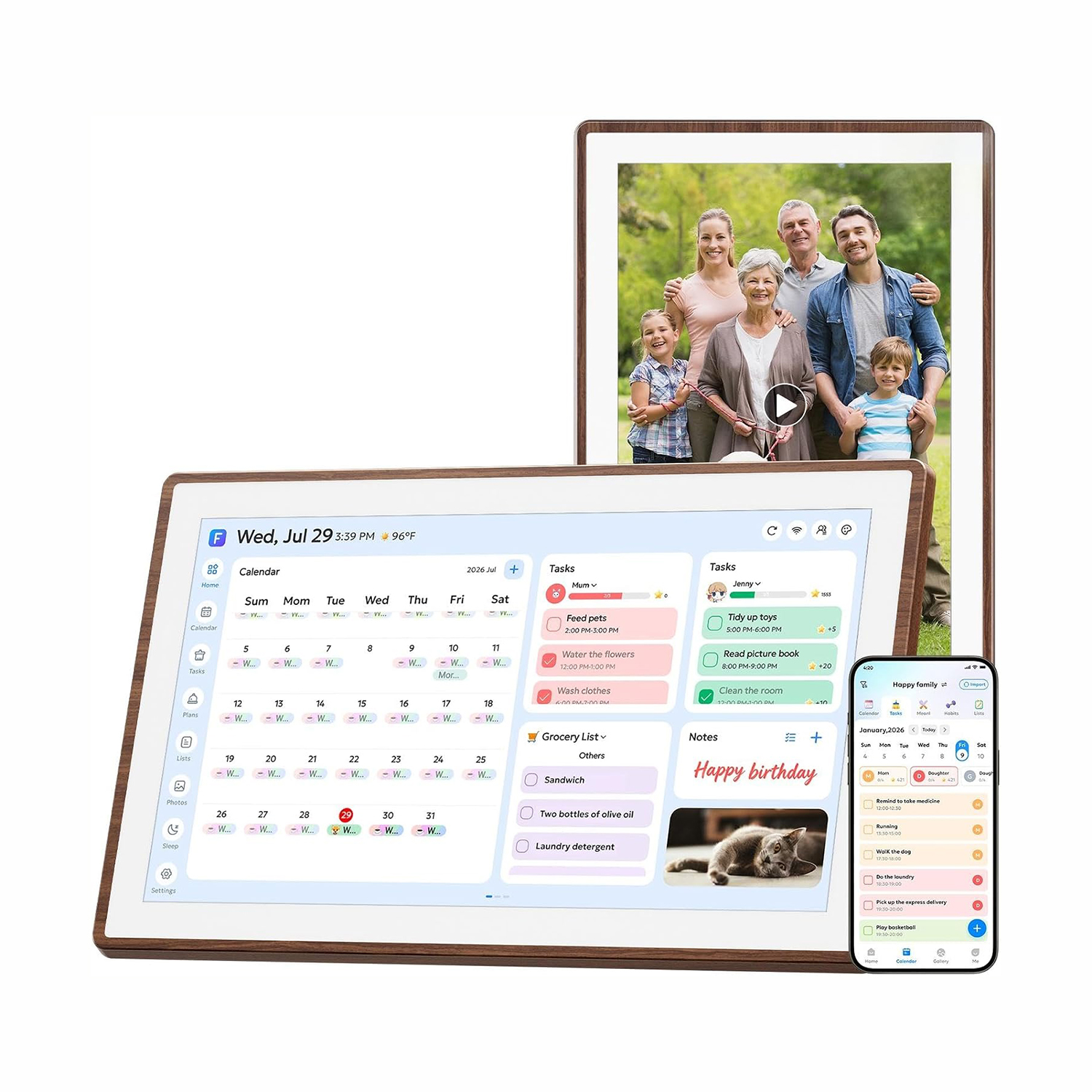
21.5 Inch Smart Digital Calendar for Home – Family Hub Planner with Walnut Frame, Touchscreen All-in-One Display
$359.00 USD
$489.00 USD
Shipping fees will be calculated at checkout.
-
Free worldwide shipping
-
Free returns
-
Carbon neutral
-
Secure payments
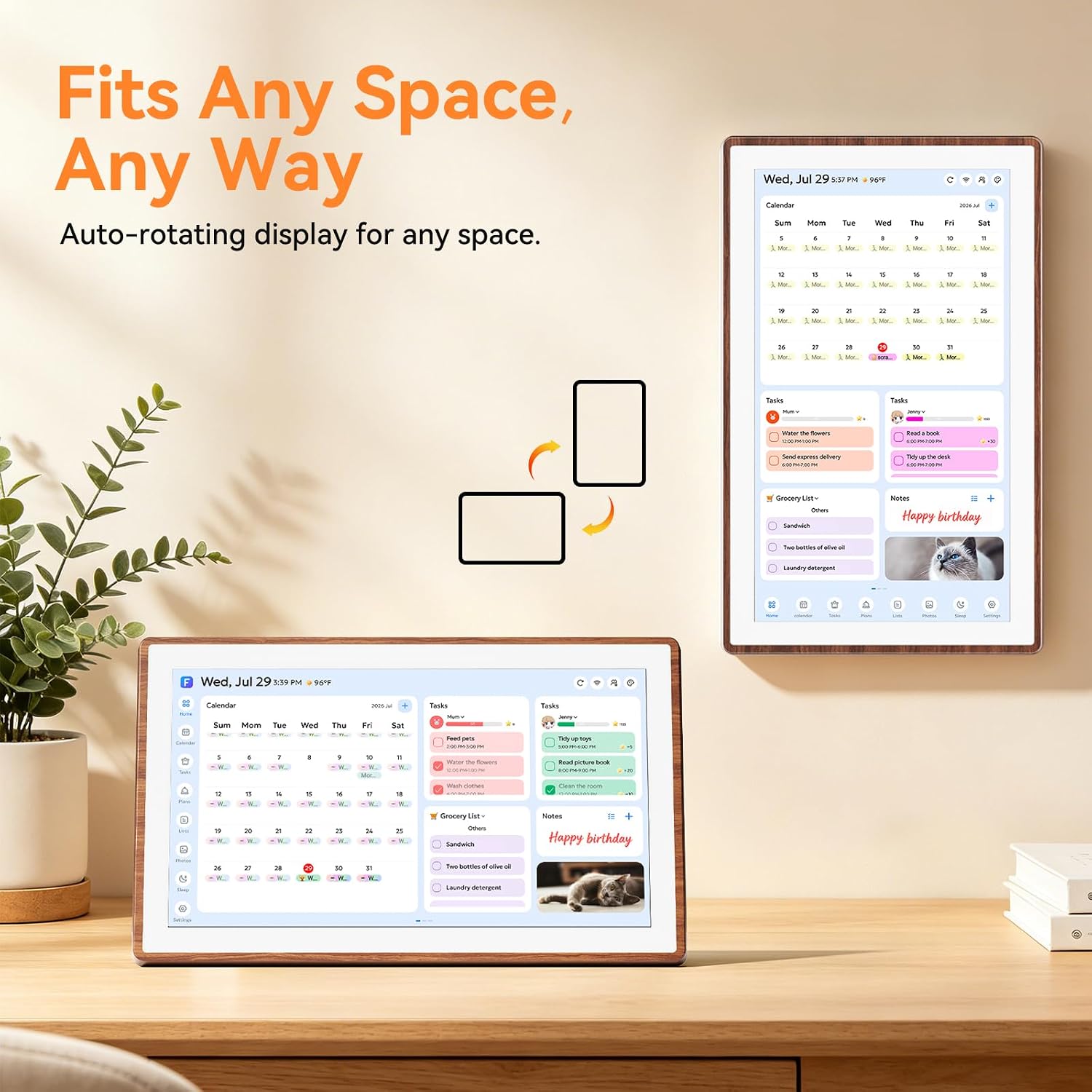
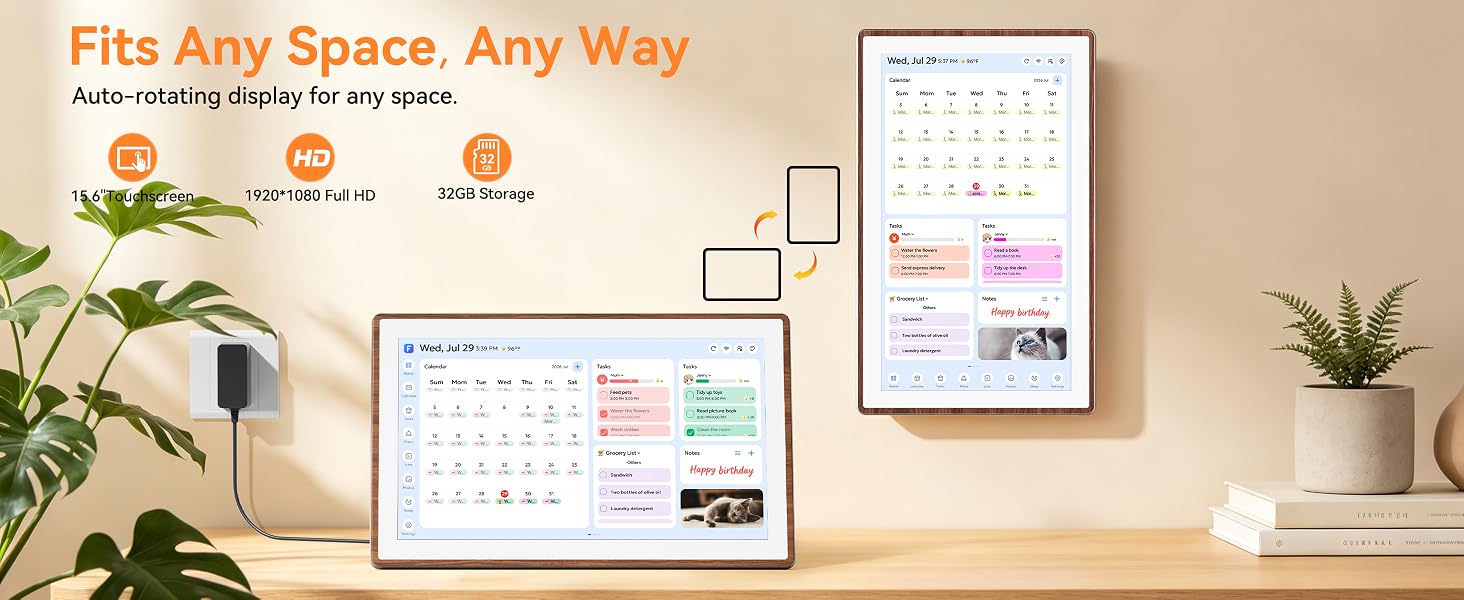
- Effortless Setup in Under 30 Seconds – Take it out of the box and it's ready to go in half a minute. No drilling or tools required: the tool-free thumb nut lets you mount it on a wall or sit it on a desk right away, and the display auto-rotates to fit any space. Fast, simple and hassle-free.
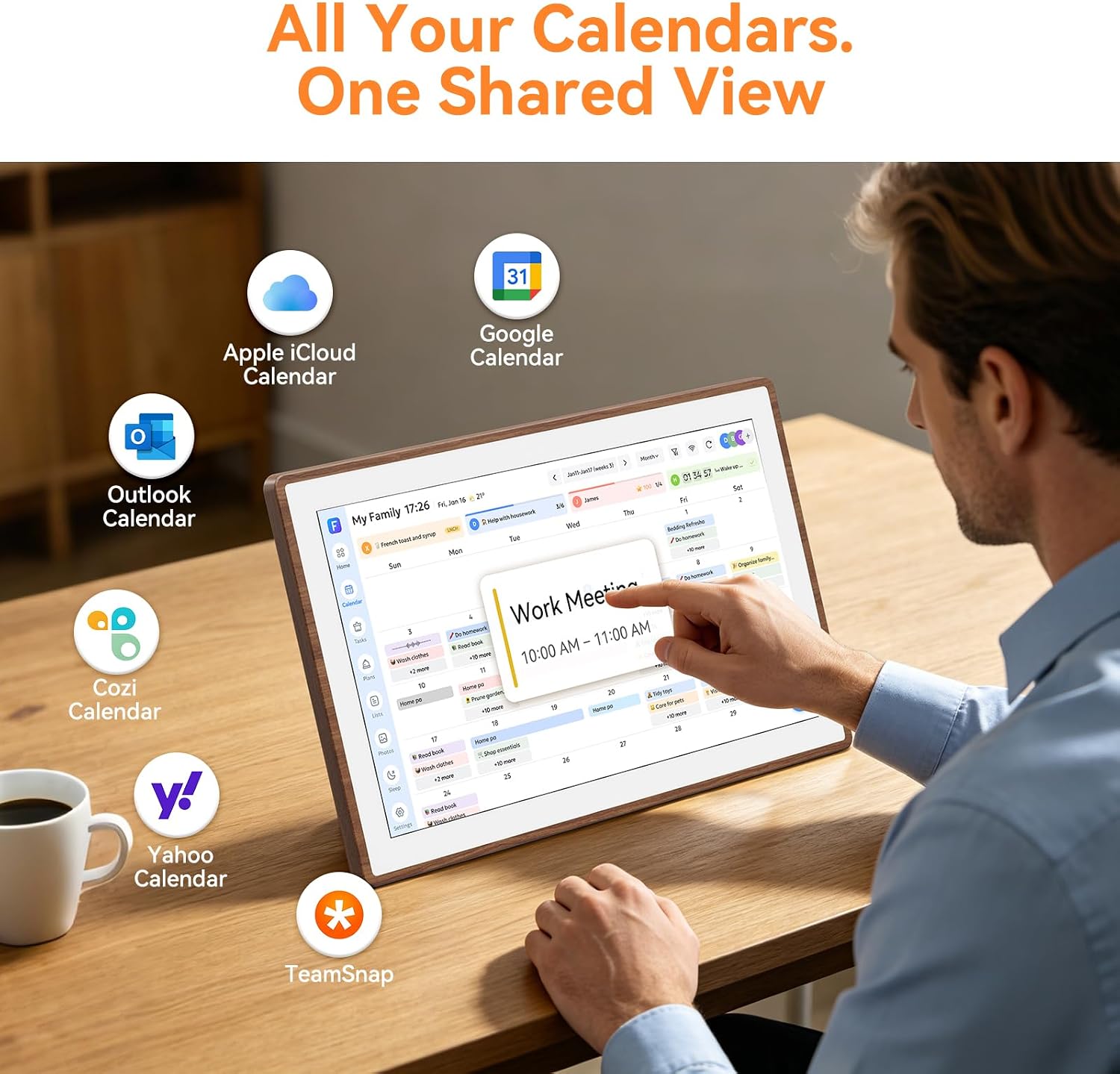
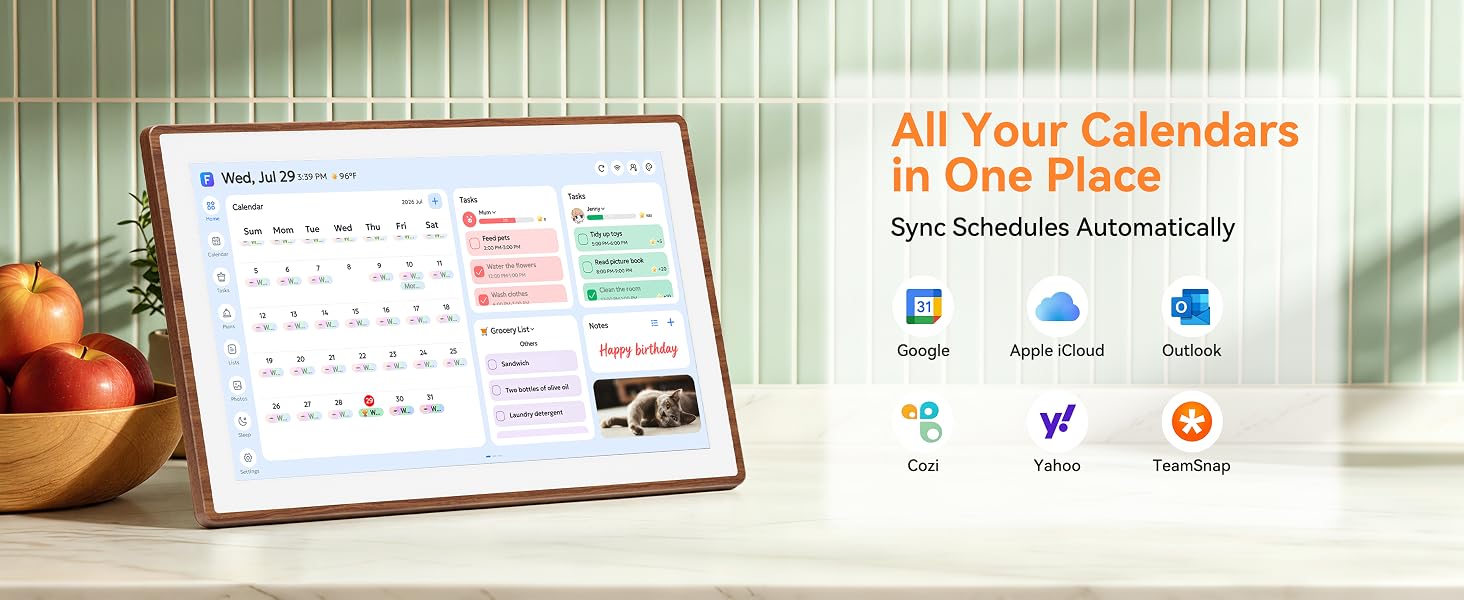
- One-Time Purchase, No Subscription – Pay once and own it forever: no monthly fees, no hidden charges. Freely switch between Family Calendar, Photo Frame and Art Display modes, and sync Google, iCloud, Outlook, Cozi, Yahoo and TeamSnap in real time. Every feature is included, with nothing locked behind a paywall.
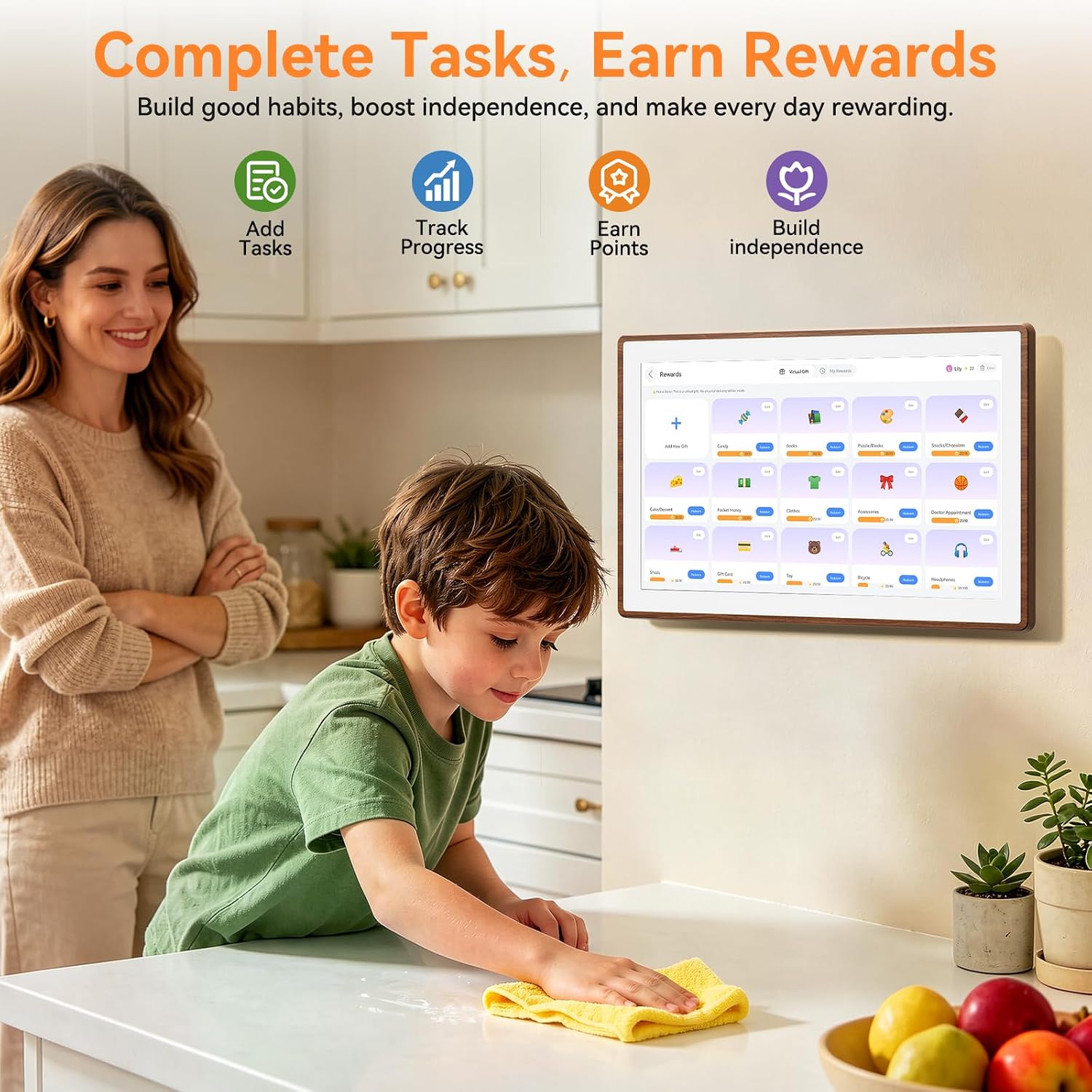
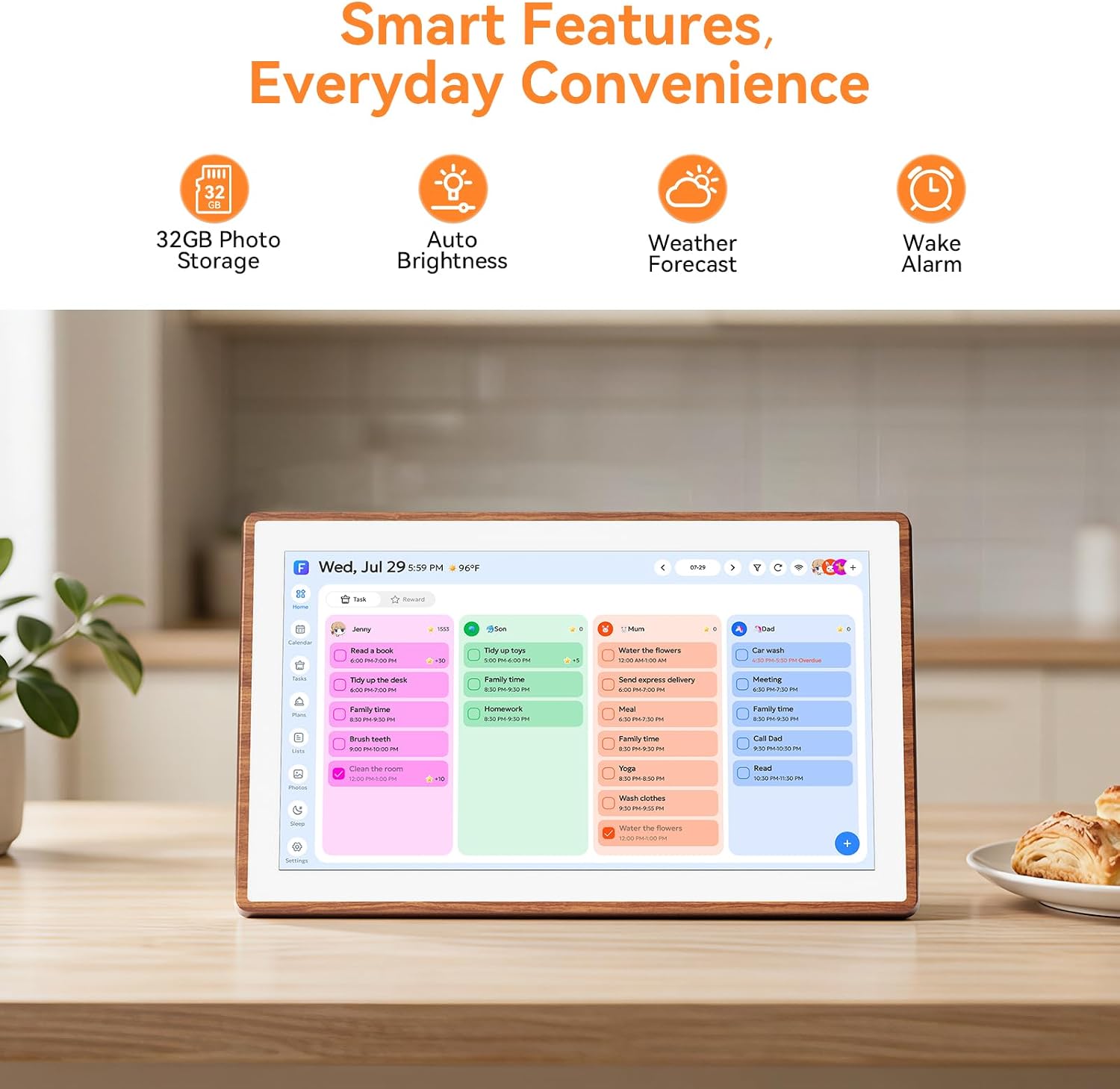
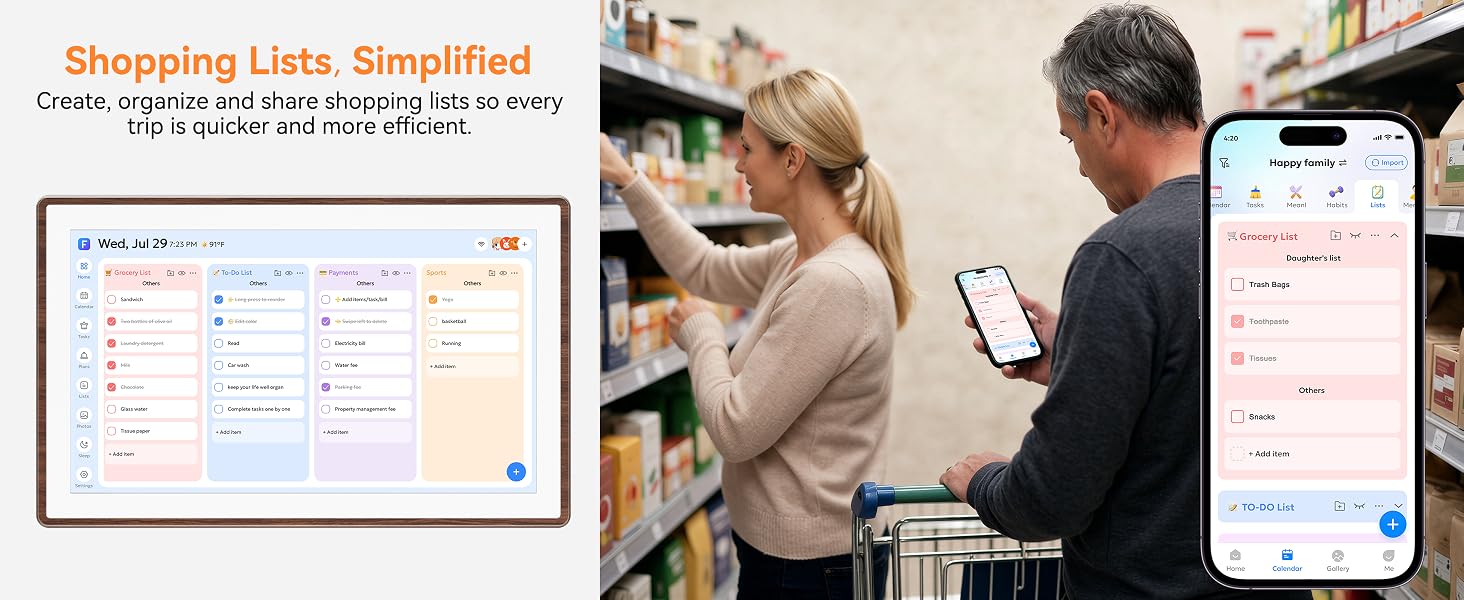
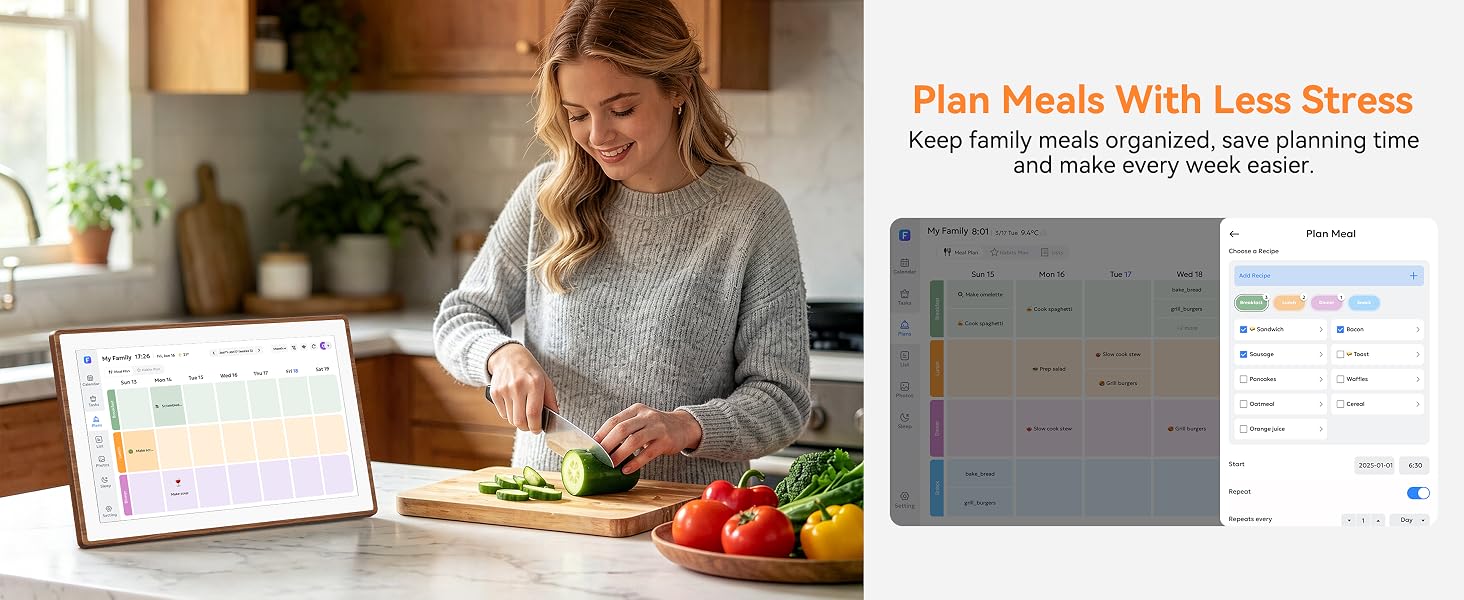
- All-in-One Family Calendar – Supports up to 20 family members on a single shared screen. Use color-coded tasks, chore tracking, meal plans, reminders and habit goals, and let kids earn rewards for completing chores. Create events by voice or through the free companion app, keeping the whole family organized and on the same page.
- Instant Tap-to-Create – Add events with a single tap on the 21.5-inch 1080P Full HD screen; no complicated menus. Ready-made templates cover school, work, medication and daily routines, and you can view everything by day, week, month or checklist. Built for quick, stress-free family planning.
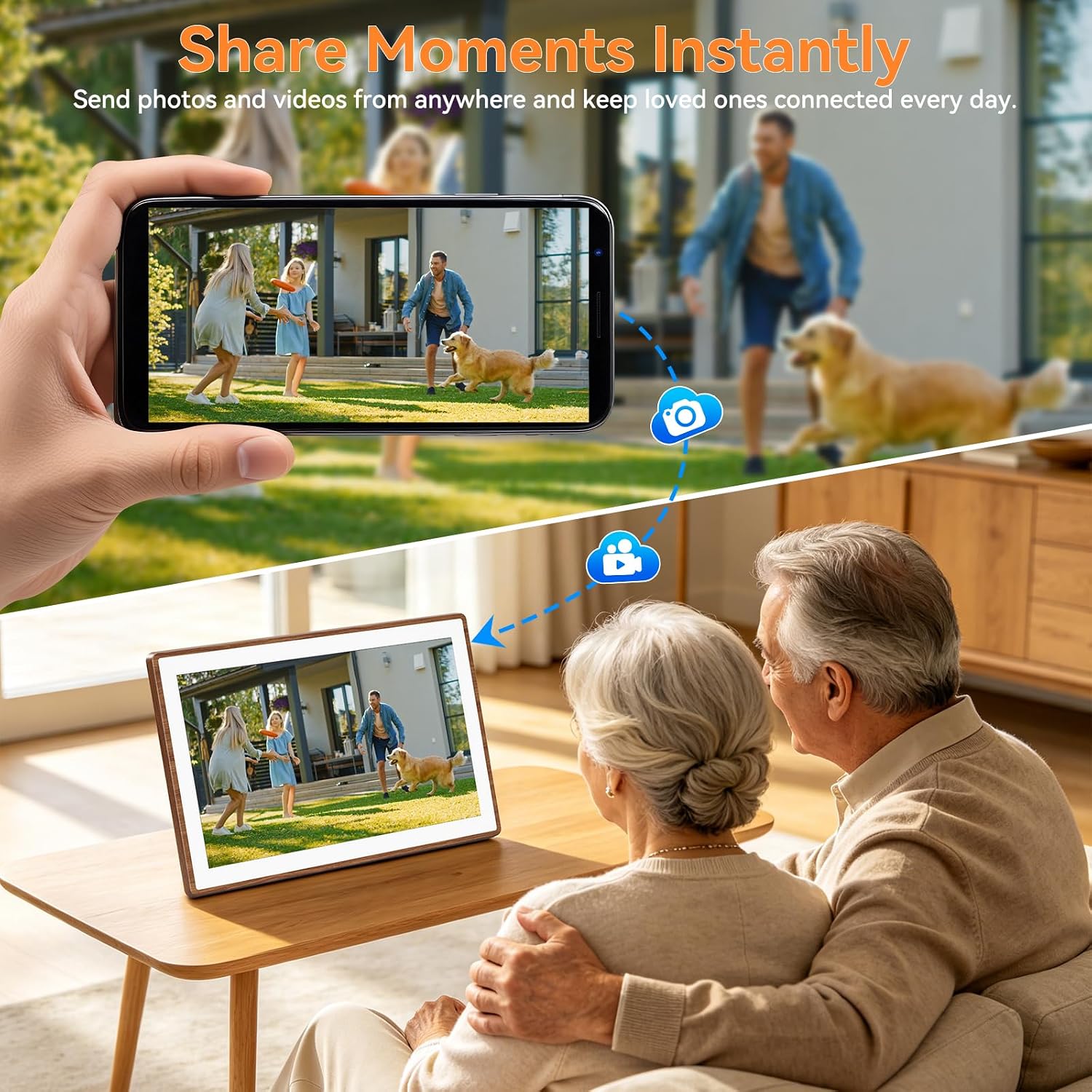
- Beyond a Calendar – A Living Home Display – Load photos and videos from your phone, USB or SD card, even offline. With 32GB built-in storage and AI photo enhancement when connected, the elegant wall or desk design doubles as a digital photo frame and art d

You may also like
FAQs
Q1. Does it have to stay connected to Wi-Fi, and what happens if the internet goes out?
Yes, Wi-Fi is required for initial setup and for syncing with your phone calendar. If the internet drops, the screen will still display all your existing events as normal — you just won't receive new updates until the connection comes back.
Q2. Is the text big enough for elderly people or to read from across the kitchen?
Yes. The large high-definition touchscreen is designed for at-a-glance viewing from across the room. Event titles, times, and the day/date are rendered in large, high-contrast type, and the screen brightness is adjustable for both bright daylight and dim evening rooms.
Q3. Can I use it without a smartphone, or do I need to download an app?
You can add and view events directly on the touchscreen right out of the box. The mobile app is optional but recommended — it's what lets you sync your existing Google/iCloud/Outlook calendar, invite family members, and add events remotely when you're not at home.
Q4. How is it powered? Is there a battery, and how long is the power cord?
It needs to stay plugged into a standard wall outlet at all times (it does not run on a built-in battery). This is intentional — so the calendar is always on, always updated, and no one ever has to remember to charge it.
Q5. What's included in the box, and what's your return policy?
The package includes the digital calendar display, a wall-mount bracket, the power adapter, and a quick-start guide. We offer a 30-day refund guarantee and lifetime customer support — if anything goes wrong, email us at support@nexoravue.com (Mon–Sat, 6:00 a.m.–5:00 p.m. PDT).