

1
/
7
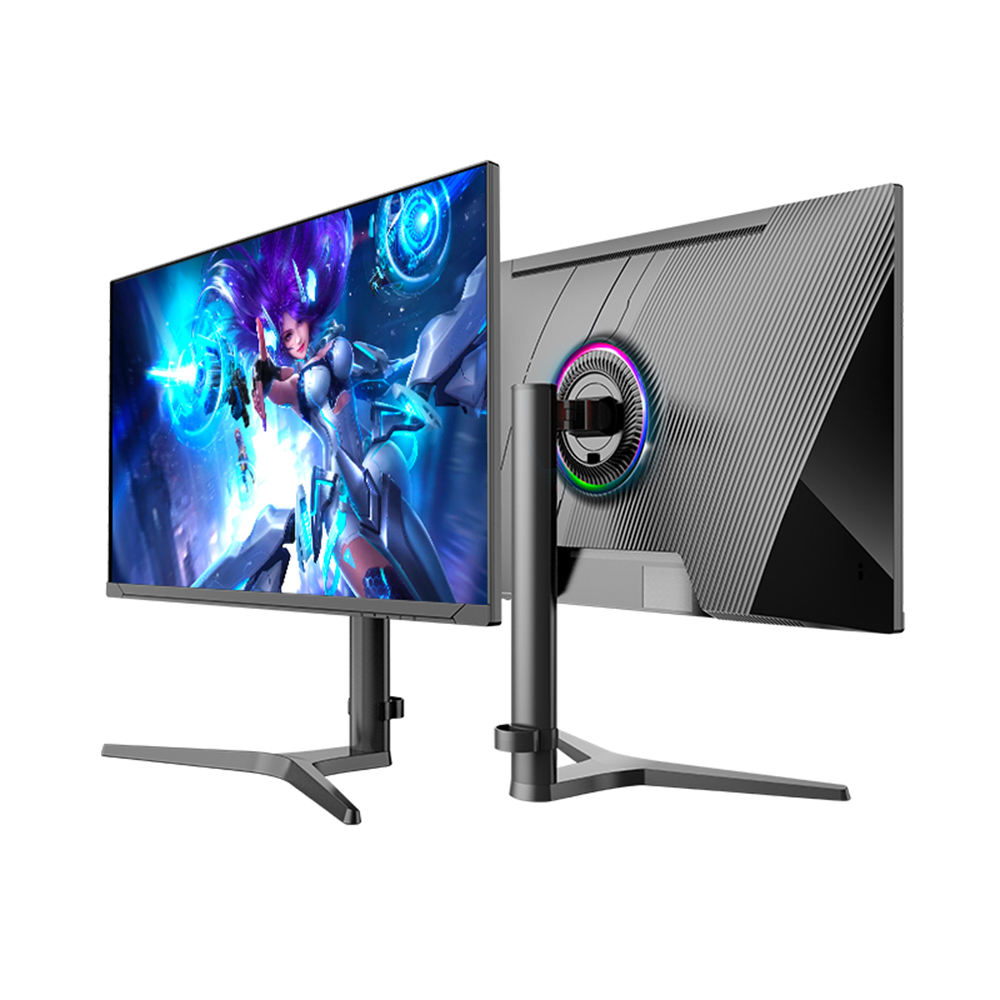
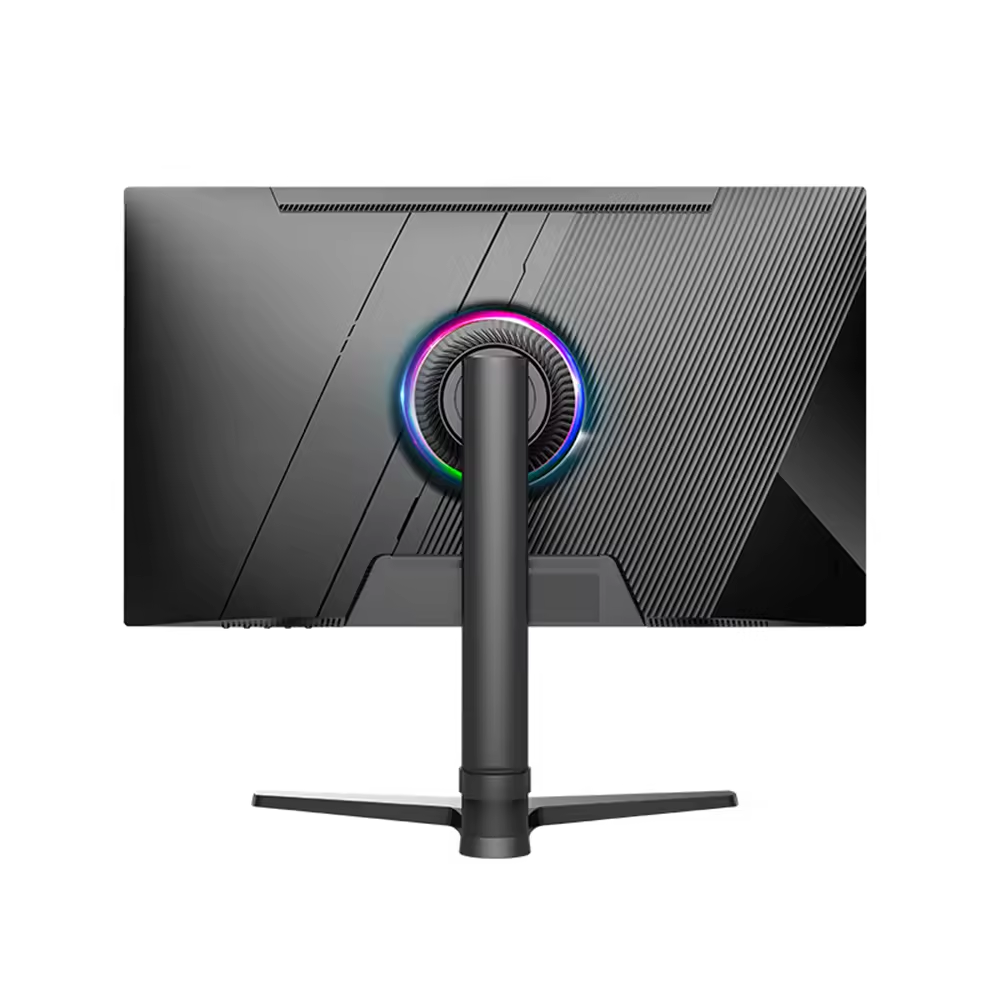
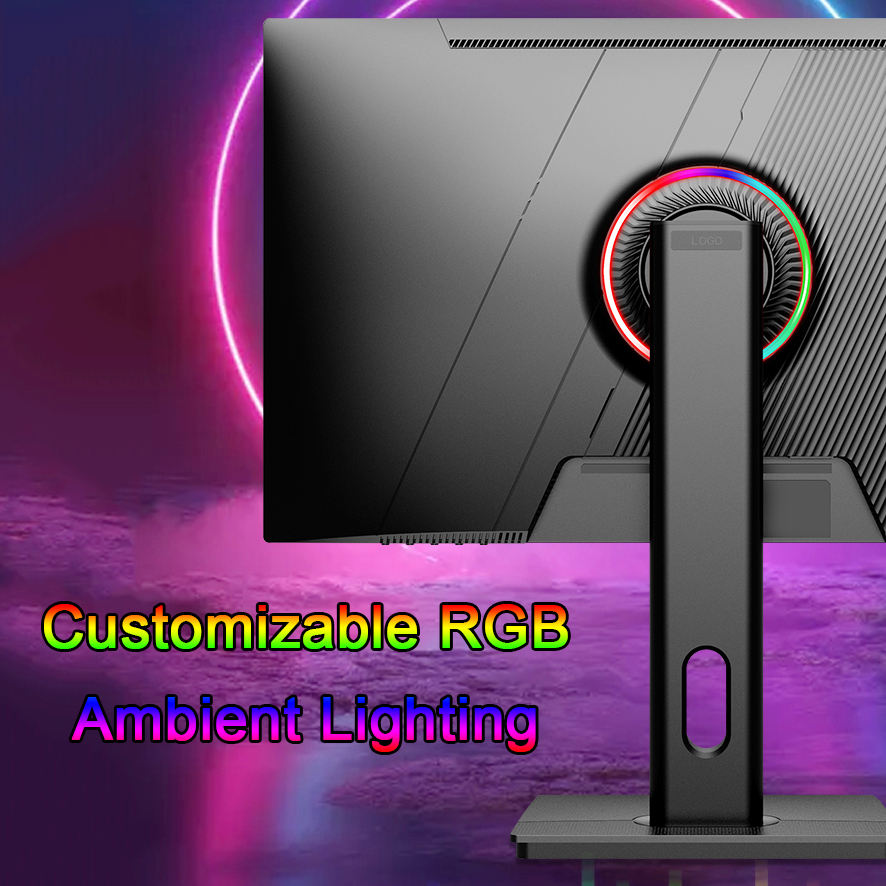
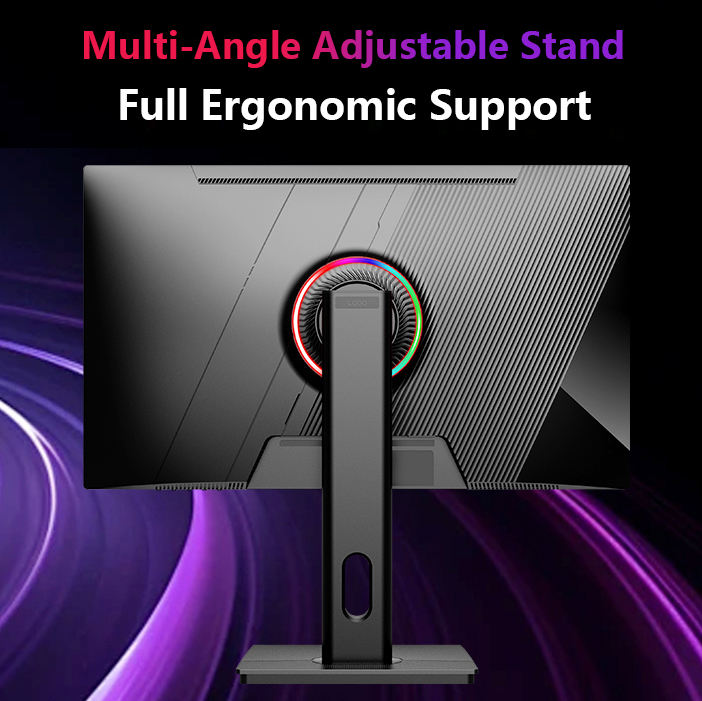
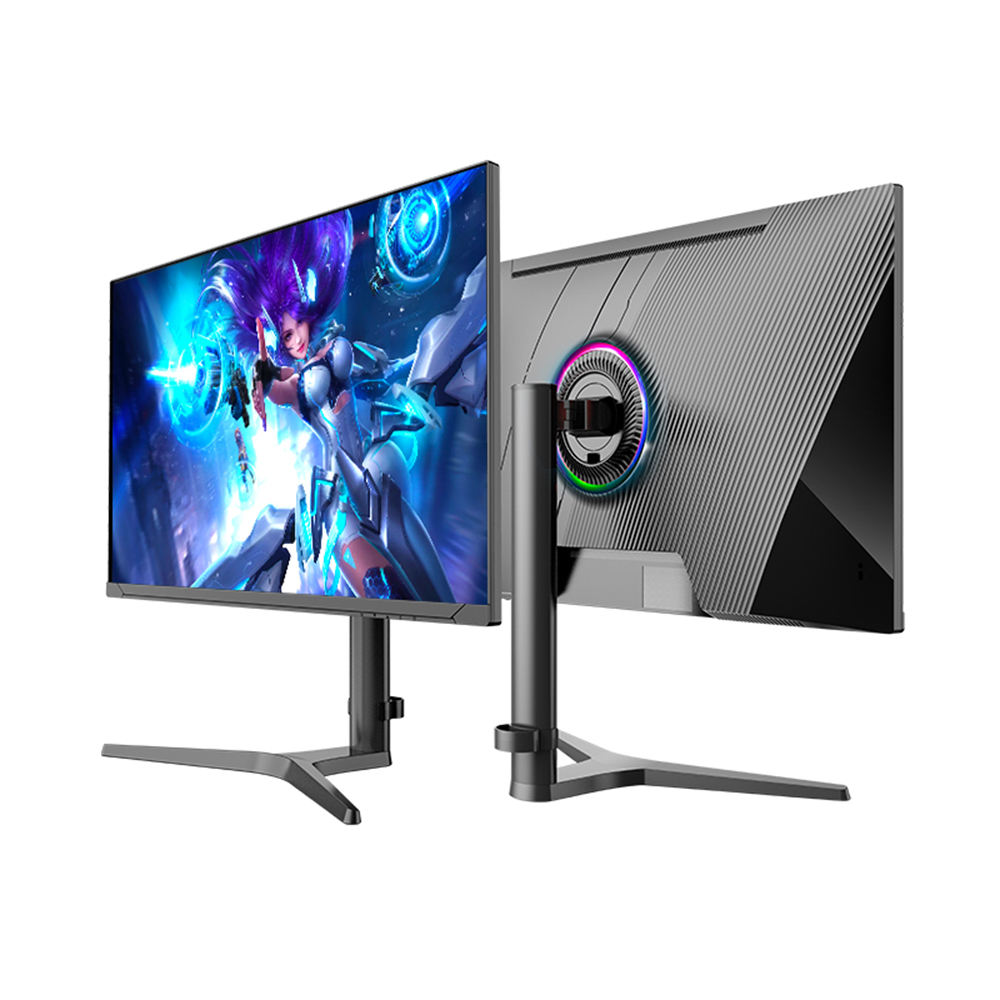
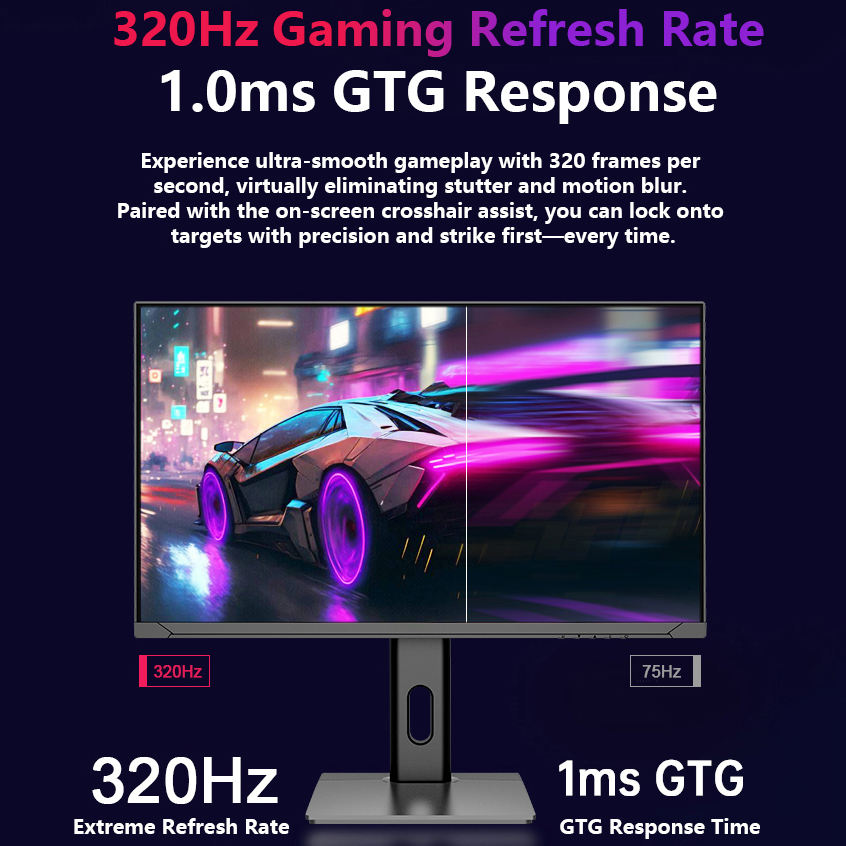
27 Inch Gaming Monitor, 4K QHD Display, High Refresh Rate, Fast Response Time, Borderless Screen, HDMI & DisplayPort Connectivity for Gaming and Office Use
$299.00 USD
$399.00 USD
Shipping fees will be calculated at checkout.
-
Free worldwide shipping
-
Free returns
-
Carbon neutral
-
Secure payments
You may also like
FAQs
What monitor size is best?
24" is great for basic tasks, 27" offers the best balance, and 32"+ provides more workspace and immersion
What is the difference between FHD, QHD, and 4K?
Higher resolutions deliver sharper images and more screen space for multitasking.
Is a 4K monitor worth it?
Yes, for content creation, design work, and users who want maximum clarity and detail.
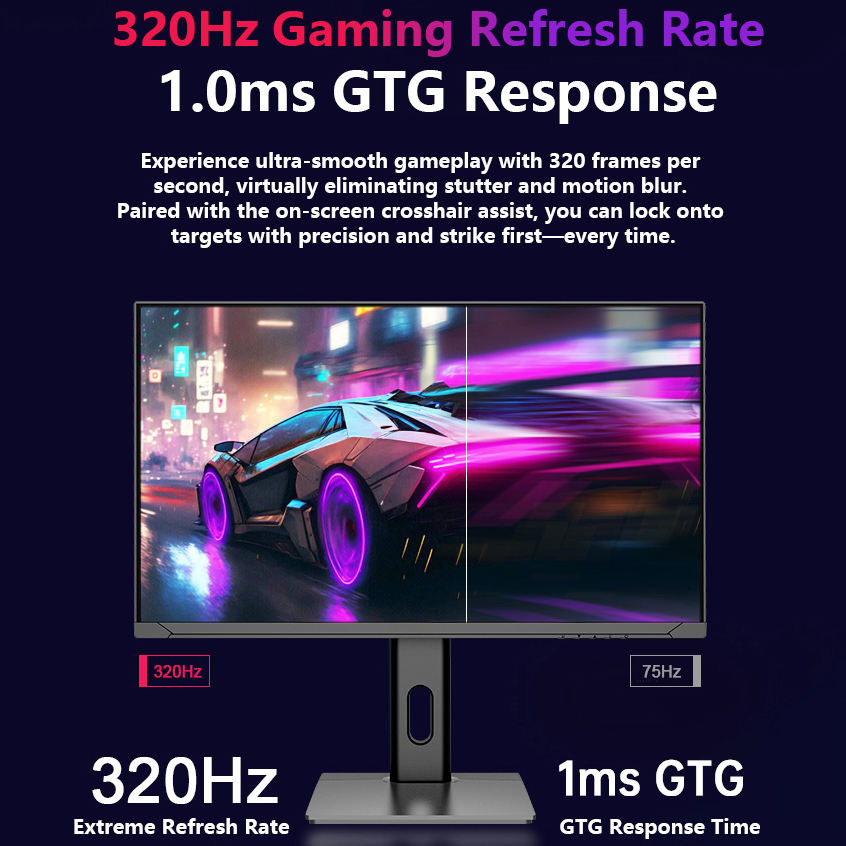
What does refresh rate mean?
Refresh rate (Hz) determines how smooth motion appears on screen. Higher rates create smoother visuals.
Is 60Hz enough?
Yes, for office work, studying, and everyday use.
Is 144Hz better for gaming?
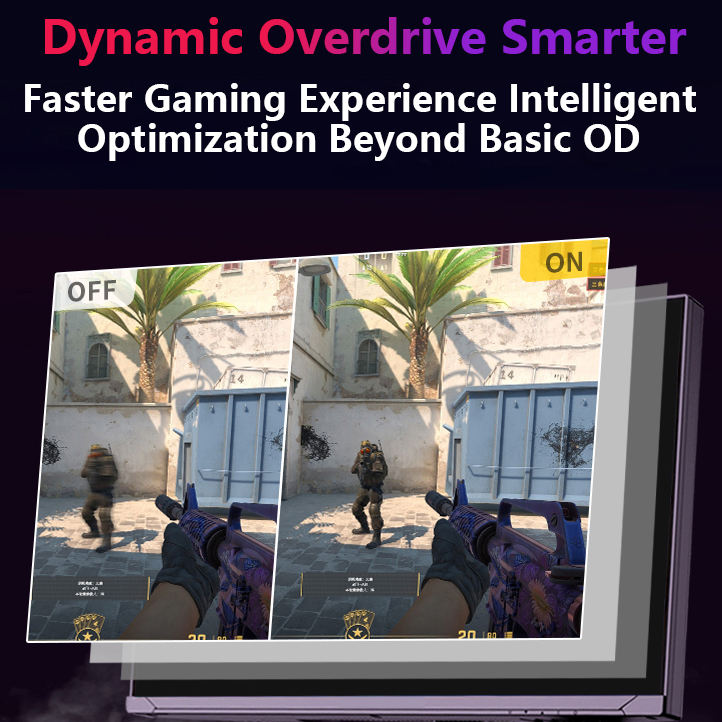
Yes, higher refresh rates improve responsiveness and reduce motion blur.
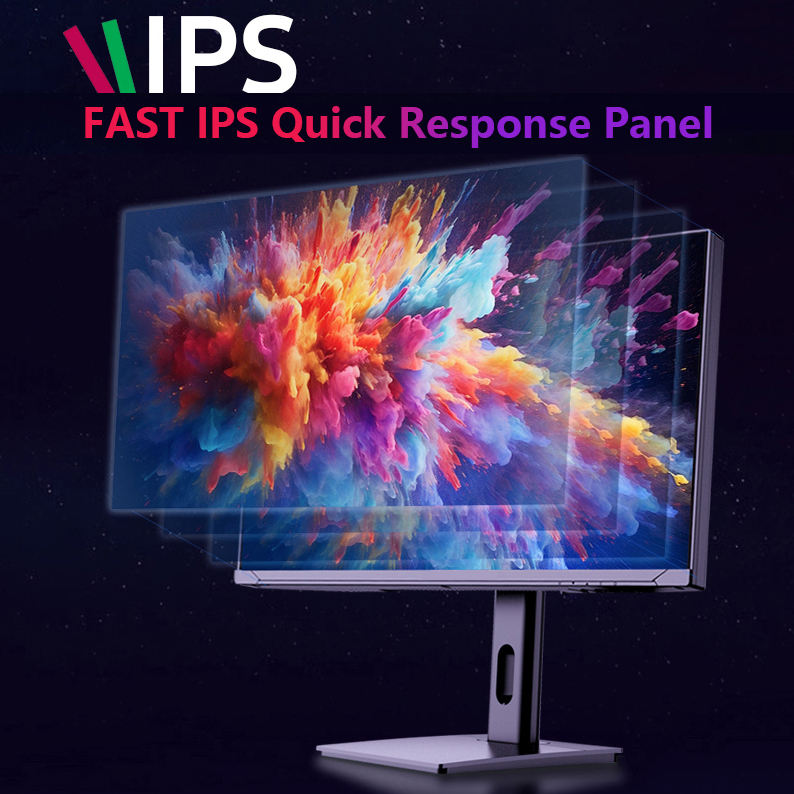
What is the difference between IPS and VA panels?
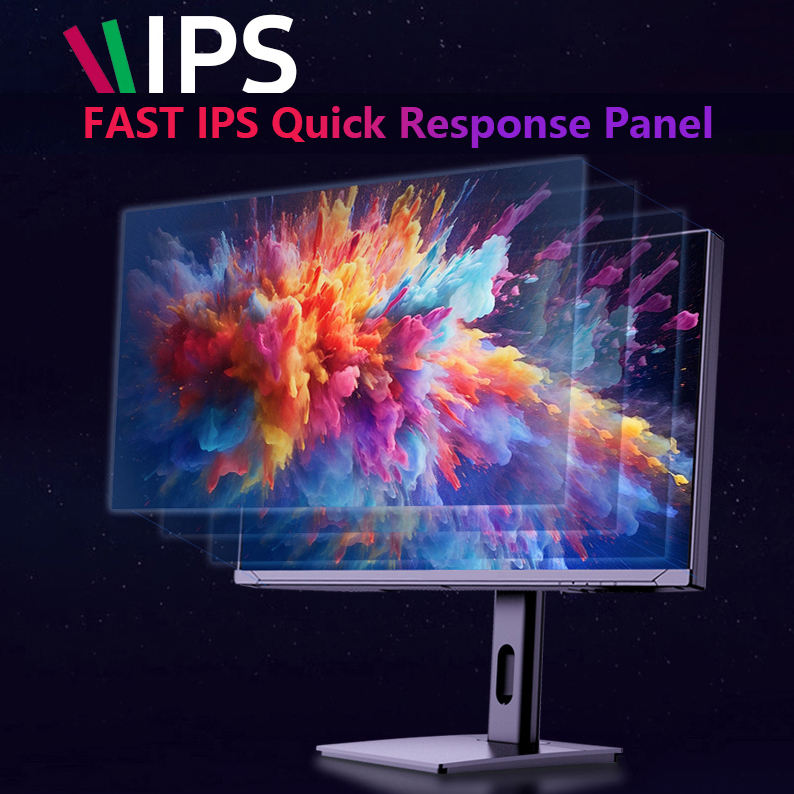
IPS offers better color accuracy and viewing angles, while VA provides deeper contrast.
Is USB-C important for office monitors?
USB-C simplifies connections and can charge compatible laptops through a single cable.
What features reduce eye strain?
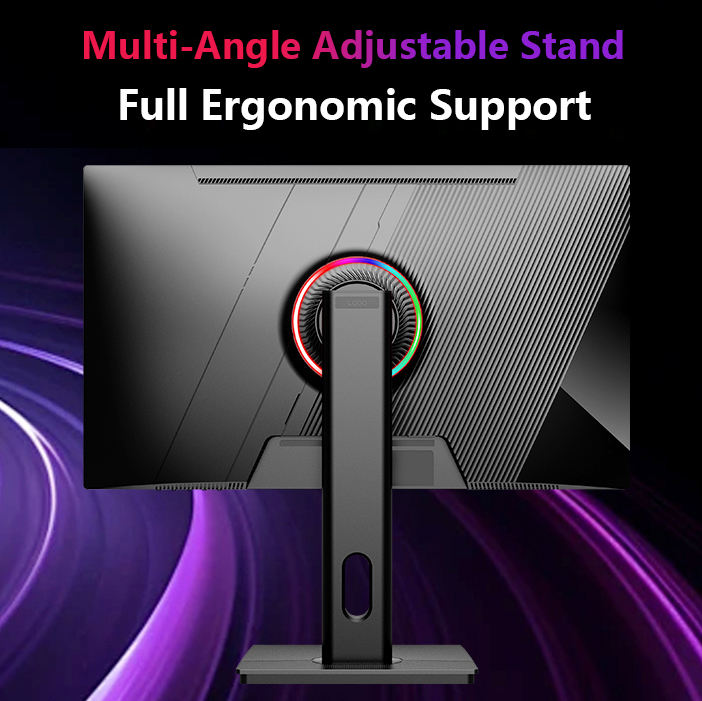
Flicker-free technology, blue light filters, and adjustable stands help improve viewing comfort.
Is 1080p or 1440p better for gaming?
1080p is easier to run, while 1440p provides sharper visuals and more detail.
What is the best refresh rate for competitive gaming?
144Hz, 240Hz, or higher is preferred for fast-paced games.